Brightness higher than H202, with more LEDs per meter.
Compared with H202, H205 MAX is better suited for flat-back monitors, offering higher brightness and greater color saturation. It features 72 LEDs per meter, about 20% more than H202, resulting in smoother gradients and fewer dark spots.
45° side-projection LEDs
The LEDs are angled at 45 degrees, projecting light farther onto the wall and expanding the illuminated area behind the monitor.
Dual USB power input
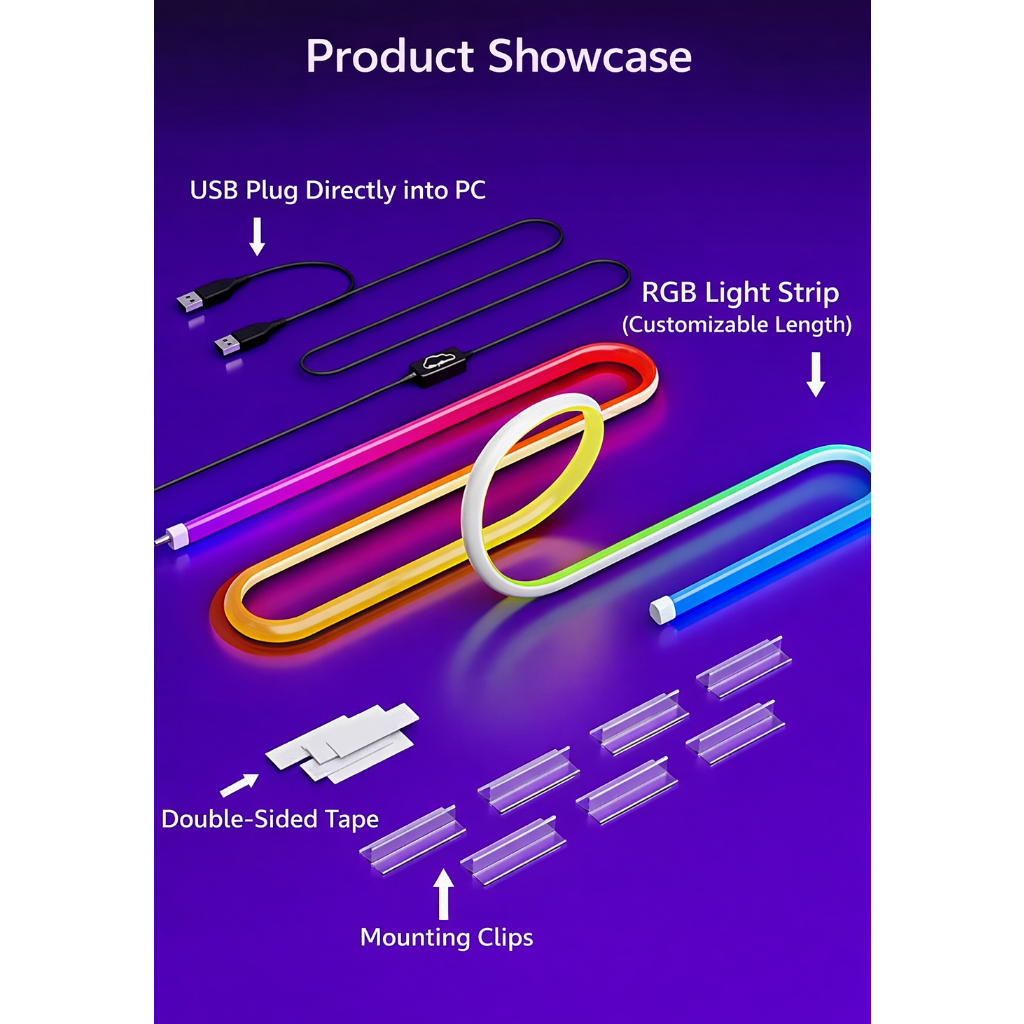
The upgraded dual-USB power plug provides more stable power output, helping the light strips operate brighter and more reliably.
Skydimo control, extremely low CPU usage
With the Skydimo app, you can customize brightness, color temperature, hue, and effects, and manage most mainstream RGB devices from a single interface. The software uses extremely low CPU resources, ensuring no impact on system performance.
What's in the box?
1 × Screen-Sync RGB Light Strip
1 × USB Power/Data Cable
6 × Mounting Clips with 3M Adhesive
Size Options (Monitor Reference):
24-inch / 70 LEDs
27-inch / 81 LEDs
32-inch / 95 LEDs
34-inch / 93 LEDs


Q: What is the difference between H205 MAX and H202 PRO?
A: H205 MAX is a one-piece side-glow LED strip designed for monitors with relatively flat backs. It offers higher brightness than H202, with about 20% more LEDs per meter, and uses a 45° angled light projection to cast a stronger and more saturated glow onto the wall. H202 PRO features a flexible three-segment design that can bend around stands, cutouts, and curves, making it more suitable for irregular or non-flat monitor backs.
Q: Should I choose H202 PRO or H205 MAX for my monitor?
A: If your monitor’s back is mostly flat and you want brighter, more focused lighting, H205 MAX is generally the better choice. If your monitor has curves, cutouts, or a bulky stand, then the three-segment structure of H202 PRO will fit the back more easily.
Q:Can it really be used on Mac?
A:Yes, it works. It is supported on dual-boot systems as well.
Q: What are the two USB ports for? Can I use only one?
A: Using both ports provides better stability, but the device can also work with just one connected.
