


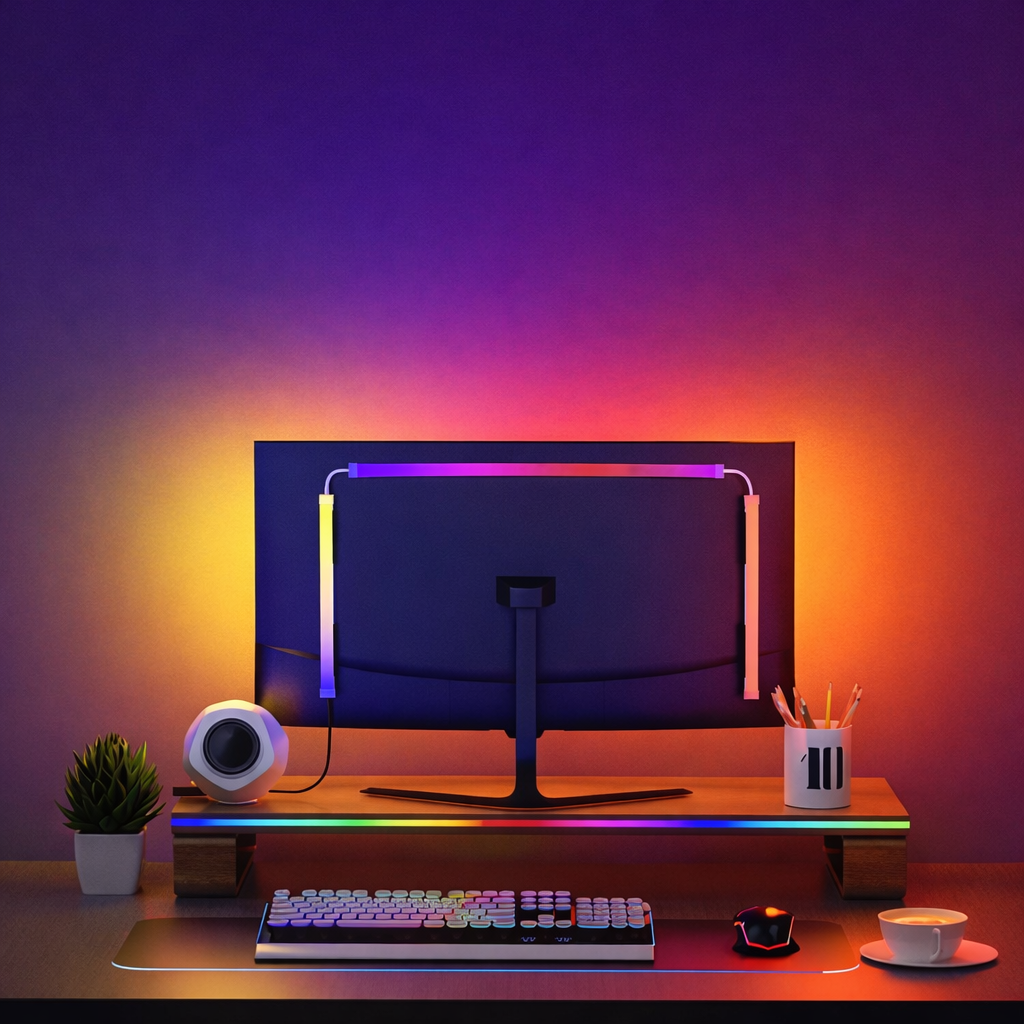

Screen-Sync RGB with Music and Game Audio Reactive Effects
Screen-sync RGB follows your gameplay, movies, and desktop in real time instead of looping random patterns. The built-in audio pickup allows the strip to pulse and flow with music, voice chat, and in-game sound effects.

Real-Time Screen Sync and Immersive Lighting Effects
Lighting reacts instantly to on-screen content and sound, extending visuals beyond the display and enhancing immersion for gaming, movies, and creative work.

Supports Windows & macOS
Fully compatible with both Windows and macOS. Plug and play with no complicated setup required. The system automatically detects your display and instantly synchronizes lighting effects with on-screen content, delivering a smooth and immersive experience across platforms.

Flexible design for different monitor backs, USB + Skydimo control
The light strip adapts to stands, curves, and cutouts, making it suitable for flat, curved, or irregular monitor backs. Simply plug into a USB port, mount the clips, and fine-tune colors and effects in the Skydimo app. The software runs with extremely low CPU usage.

Rich Scene Modes for an Immersive Lighting Experience
16-million-color LEDs wash the wall with bright, accurate light, while 60 LEDs per meter deliver smoother and more even brightness. With 60+ preset lighting scenes, color and brightness combinations create a more consistent and immersive ambient experience.

What’s in the box
1 × Screen-Sync RGB light strip
1 × USB power/data cable
Mounting clips with 3M adhesive (enough for installation)